
Practical Camping Guide · 13 min read
USB-C Power Delivery Explained for Campers
Learn how USB-C Power Delivery works, which wattage and cable your phone or laptop needs, and why a power bank may charge a laptop slowly or not at all.

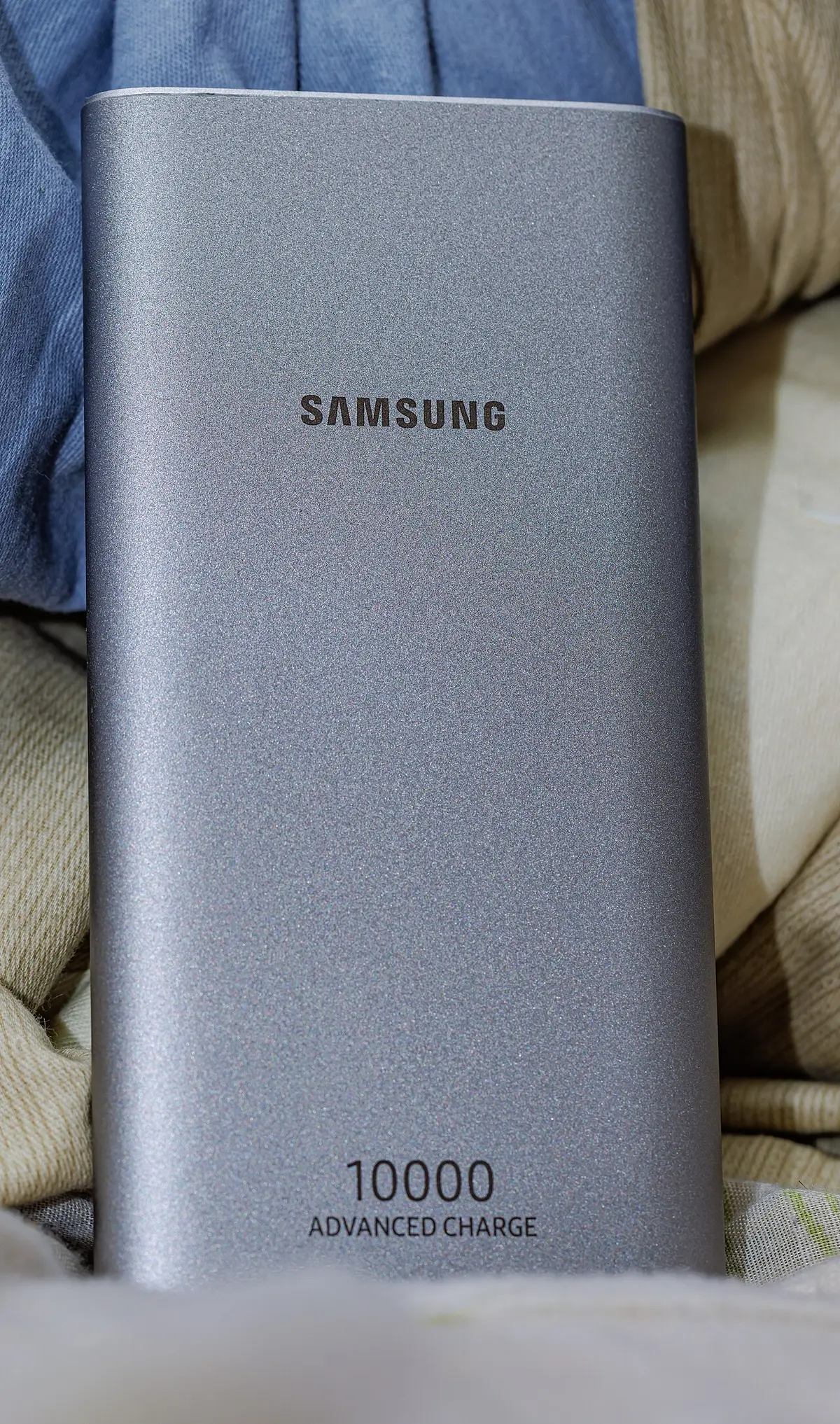
USB Power Delivery (PD) is a charging standard that lets a USB-C charger and a device negotiate the voltage and current they use, so one cable can charge a phone at 20 W, a tablet at 30 W and a laptop at 65 to 100 W. For camping, it means a single PD-capable power bank or power station port can replace a pile of wall adapters, as long as three things match: the port's wattage, the cable's rating and the device's charging profile. A 100 W PD port with a 5 A rated cable is the sweet spot for laptops.
USB-C is only a connector shape. Whether a port charges your phone slowly or your laptop quickly depends on what sits behind it. Here is how PD works in plain terms, how to read a port label, which numbers matter for campers, and how to avoid the most common reasons a laptop refuses to charge from a power bank.
USB-C is the plug, PD is the protocol
The USB-C connector is the small, reversible oval plug. It can carry plain USB data, DisplayPort video, basic 5 V power and, with PD, negotiated higher power. A USB-C port without PD usually delivers 5 V at up to 3 A (15 W) under the basic USB-C specification, or less on older devices. A PD port uses a digital conversation over the cable to agree on a voltage and current that both sides support.
The negotiation works like this. The charger announces a menu of power profiles it can supply. The device selects the highest one it can use. If either side lacks PD support, the connection falls back to 5 V. The negotiation takes a fraction of a second, and it repeats if you plug a second device into the same charger.
| PD profile (typical) | Voltage | Current | Power |
|---|---|---|---|
| Basic USB-C | 5 V | 3 A | 15 W |
| PD level 1 | 9 V | 3 A | 27 W |
| PD level 2 | 12 V | 3 A | 36 W |
| PD level 3 | 15 V | 3 A | 45 W |
| PD level 4 | 20 V | 3 A | 60 W |
| PD level 5 | 20 V | 5 A | 100 W |
| Extended power range (EPR) | 28 V, 36 V or 48 V | up to 5 A | up to 240 W |
The first five rows are the profiles you will meet on nearly all camping power banks and power stations. EPR, introduced with a newer revision of the specification, supports higher voltages for large laptops and tools, and it needs EPR-capable chargers, devices and cables.
What wattage do your devices need?
Match the charger to what you carry.
| Device | Typical PD wattage needed | Notes |
|---|---|---|
| Smartphone | 15 to 30 W | Faster than 30 W gives little benefit |
| Tablet | 20 to 45 W | Large tablets charge faster at 30 W or more |
| Smartwatch, earbuds | 5 to 10 W | Standard 5 V charging is enough |
| Nintendo Switch and handhelds | 18 to 45 W | Docked mode needs more |
| Ultrabook laptop | 45 to 65 W | Many charge from a 45 W source |
| Standard laptop | 65 to 100 W | Check the original adapter |
| Gaming or workstation laptop | 100 to 240 W | May exceed 100 W and charge slowly or not at all on lower PD |
| Mirrorless camera | 15 to 30 W | Some accept USB charging |
| Portable fridge or fan with a USB-C input | Varies | Many use 12 V instead |
Read your device's original charger. A laptop that shipped with a 65 W charger will happily accept 65 W from a power bank, and may accept less but charge slowly. A laptop that shipped with a 100 W charger can charge from a 65 W port, though it may be slow under heavy use.
Reading a power bank or power station port label
Manufacturers list PD output in a format like "5 V/3 A, 9 V/3 A, 12 V/3 A, 15 V/3 A, 20 V/5 A (100 W max)". This is the menu of profiles that port offers. Check for:
- The maximum wattage of each port. Many banks have one high-wattage port and a lower-wattage second port.
- Shared versus independent wattage. A bank labeled "100 W" may split that power between ports, so a laptop plus a phone may drop each port's output.
- Input versus output. A USB-C port can be an input (charging the bank), an output or both. Check which.
- Pass-through charging. If you want to charge the bank while charging a laptop, confirm the bank allows it.
- PPS support. Programmable Power Supply (PPS) lets the charger adjust voltage in small steps, which some phones use for efficient fast charging. It is a bonus for newer phones.
For campers who want a bank that charges laptops, the best 65W power banks and the best 45W power banks cover the two most common laptop-capable tiers. For long trips, check the best 50,000mAh power banks and the best 50,000mAh solar power banks, keeping in mind that the solar panel on those banks is a slow trickle.
The cable matters as much as the port
A common source of confusion is that cables are rated too. A standard USB-C cable is rated for up to 3 A, which at 20 V gives 60 W. To carry 5 A at 20 V (100 W), the cable needs an electronic marker chip (e-marker) inside and must be rated for 5 A. A cable without that rating limits the charge to 60 W, and some chargers will refuse to offer the 100 W profile to an unmarked cable.
| Cable type | Maximum power | How to identify |
|---|---|---|
| Basic USB-C charging cable | 15 to 18 W (5 V) | Thin, no marking |
| USB-C 3 A cable | 60 W | Often labeled 60 W or 3 A |
| USB-C 5 A e-marked cable | 100 W | Labeled 100 W or 5 A |
| EPR cable | 240 W | Labeled 240 W |
If your laptop charges slowly from a bank, try the cable that came with the laptop charger, or buy a certified 100 W cable. A 6 foot cable at high current also has more resistance than a 3 foot one, so short cables are better for high power.
Why a laptop might refuse to charge from a power bank
Laptops are picky. These are the usual causes:
- Wattage too low. Some laptops will not charge, or will drain while in use, if the source is well below the adapter rating.
- No matching voltage profile. A laptop that needs 20 V will not charge from a bank that only offers 5 V and 9 V.
- A cable that is not rated. A thin cable limits power.
- Proprietary charging. Some laptops use a barrel connector or a manufacturer-specific protocol, and they do not work on USB-C.
- Power spikes. A laptop under heavy load may pull more than the bank supplies, and the bank shuts off.
- Low state of charge in the bank. Some banks reduce output when their own battery is nearly empty.
A safe approach: find your laptop's charger wattage, match or slightly exceed it with a PD source, use an e-marked cable, and test at home before a trip.
Charging speed and runtime
The power a device draws, together with the capacity of the source, determines runtime.
| Source | Capacity | Laptop at 45 W: runtime | Phone at 15 W: runtime |
|---|---|---|---|
| 10,000 mAh bank | About 37 Wh | About 40 minutes | About 2 hours |
| 20,000 mAh bank | About 74 Wh | About 1.2 hours | About 4 hours |
| 50,000 mAh bank | About 185 Wh | About 3.5 hours | About 10 hours |
| 300 Wh power station | 300 Wh (about 255 usable) | About 5.5 hours | About 17 hours |
| 1,000 Wh power station | 1,000 Wh (about 850 usable) | About 19 hours | About 56 hours |
The runtimes are estimates that include typical conversion losses. For the energy basics, see watt-hours versus mAh.
PD on power stations
Many power stations include one or more USB-C ports with PD output, and many also accept a PD input for charging. A station's USB-C ports are handy for charging laptops and phones without an inverter, which saves energy because it skips the DC to AC conversion. A 100 W USB-C port can charge a laptop directly from the station's battery at higher efficiency than plugging the laptop's AC adapter into the inverter. Look at the best 500W portable power stations for camping, the best 600W portable power stations for camping and the best 800W portable power stations for camping for typical USB-C port configurations. The best lithium portable power stations guide covers the main category.
Using DC outputs where possible is one of the best ways to stretch battery life. A laptop that uses 45 W from a USB-C port draws about 47 to 50 W from the battery, while the same laptop on an AC adapter through the inverter draws 55 to 65 W from the battery because of inverter and adapter losses and the inverter's idle draw. Over a day of laptop use, the saving can be 20 to 30 Wh. For the larger picture on how stations handle daily loads, see how long a power station runs a 12V fridge.
Charging from solar with USB-C
Some folding solar panels have USB-C ports, often with PD output of 18 to 45 W. When the sun is steady, they can charge a phone or a power bank directly. However, USB-C solar panels face a challenge: PD negotiation needs stable power, and passing clouds or shade can interrupt it. When the panel's output dips below what the device wants, the connection may reset repeatedly. A common workaround is to charge a power bank from the panel and then charge devices from the bank. Another is to use a panel with a built-in buffer or a proper MPPT output. For a deeper dive on output, see how to size a solar panel for camping.
Safety and care
PD is designed with safety in mind, with voltage negotiation that avoids sending high voltage to a device that cannot handle it. Still, a few habits help.
- Use certified cables and chargers from reputable makers, and avoid damaged or very cheap cables that can overheat.
- Do not charge a bank or laptop under a pillow or sleeping bag, where heat builds up.
- Keep ports clean and dry. Lint in the USB-C port is a common cause of poor connections, and you can remove it gently with a wooden toothpick.
- Avoid pulling out a cable at an angle, and do not force a plug.
- In freezing weather, avoid charging lithium batteries below 32 degrees F unless the maker says it is fine.
- Check that the bank carries a safety certification, and follow airline rules for batteries in carry-on bags.
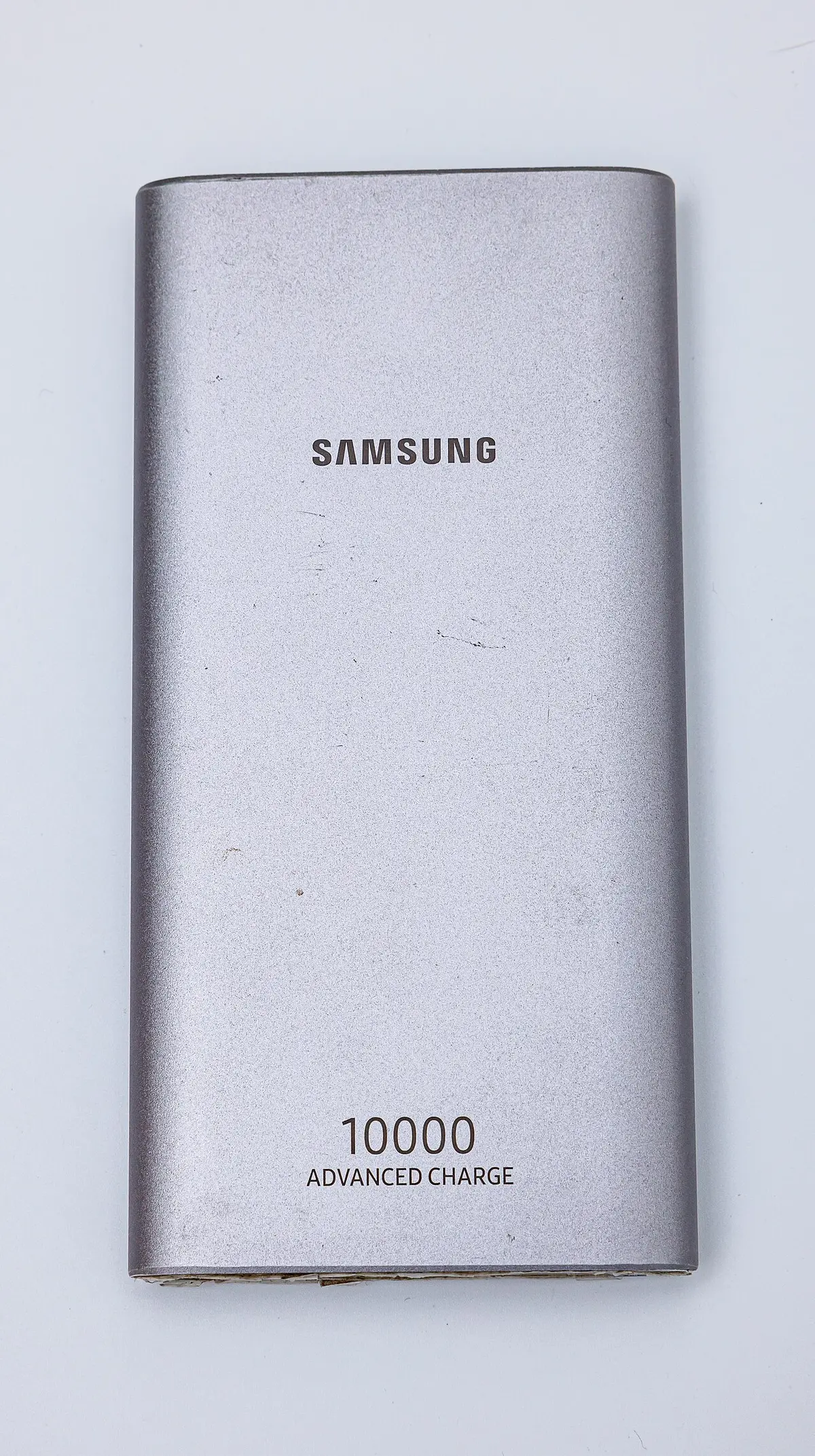
A worked example: charging a laptop and a phone from one bank
Say you carry a 27,000 mAh bank (about 100 Wh) with one 65 W USB-C PD port and one 18 W USB-A port. Your ultrabook came with a 65 W charger and has a 52 Wh battery, and your phone has a 17 Wh battery.
Plugging in only the laptop. The bank negotiates 20 V at 3.25 A and delivers 65 W. If the laptop is idle, it charges from empty to full in about an hour and a quarter, using around 60 Wh of the bank's energy after losses. That is more than half of the bank's capacity, so you will get only one full laptop charge and a bit more.
Adding the phone to the USB-A port. The phone draws about 10 to 12 W on the 18 W port. Some banks share their total output between ports, so the combined 65 W may drop to 45 W on the laptop port while the phone charges. The laptop now takes about two hours to fill, and the phone finishes in about an hour and a half.
Using the laptop while charging. If the laptop is running hard, it may use 40 to 50 W on its own, leaving little or nothing to charge the battery. The bank's runtime drops quickly in that case: a 100 Wh bank would last about two hours at 50 W. This is the point at which many people conclude that the bank is "not working," when the real answer is that the load is simply near the supply's limit.
What you learn. For a day of laptop work in the field, a single 100 Wh bank is a bridge, not a power plant. If the laptop is a daily companion, plan for one full charge per bank and consider a power station with a PD port, whose capacity is three to ten times larger. For occasional use, a 65 W bank is plenty.
Troubleshooting a PD connection
When a device does not charge as you expect, work through a short list.
- Check the display or indicator. Many banks show the output wattage. If it shows 5 to 10 W while a laptop is attached, the negotiation fell back to a low profile.
- Try the original cable. Use the cable that came with the device charger, as it matches the device's needs.
- Try another port. The high-wattage port may be a specific one, and a second device may be using the shared budget.
- Unplug other devices. See whether the laptop gets more power alone.
- Restart the connection. Unplug both ends, wait ten seconds and plug in again, with the device turned on first.
- Clean the ports. Lint and dirt cause poor contact. Use a wooden toothpick with the device powered off.
- Update the device. Some laptops and phones fix charging issues with firmware updates.
- Check the bank's charge level. Many reduce output at low state of charge.
- Test with a wall PD charger. If the laptop does not charge from a known good wall charger and cable, the issue is the laptop, not the bank.
If none of that works, look for a model whose spec sheet explicitly lists your laptop's required profile. A short, clear spec sheet with the PD profiles is a better sign than a long list of marketing claims.
Quick picks by camping style
| Style | What to look for | Example setup |
|---|---|---|
| Backpacker with a phone and a headlamp | 20 W PD port, 10,000 mAh | One small bank and a short cable |
| Weekend car camper with a tablet | 30 W PD port, 20,000 mAh | One bank, one 3 A cable |
| Remote worker with an ultrabook | 65 W PD port, 20,000 to 27,000 mAh | One bank, one e-marked cable |
| Digital nomad with a larger laptop | 100 W PD port, 27,000 mAh or a power station | One bank or a station with USB-C 100 W |
| Group with multiple devices | Multiple PD ports, or a power station | A station with 2 to 4 USB-C ports |
Common mistakes to avoid
- Assuming every USB-C port is the same. Wattage and PD support vary.
- Using a thin cable for a laptop. It may limit charging to 15 W or less.
- Ignoring shared port limits. Two devices may halve the power.
- Expecting a phone-rated bank to charge a laptop. Check the PD output.
- Charging in the cold. It can damage lithium cells.
- Forgetting passthrough rules. Some banks do not support it.
- Trusting a "100 W" label. Check whether it is per port or total.
- Skipping a test at home. Do it before you rely on it in the field.
Frequently asked questions
What does USB-C PD mean?
It stands for USB Power Delivery, a standard that lets a charger and a device negotiate the voltage and current for fast, safe charging. A PD port can supply 5 V, 9 V, 15 V or 20 V, up to 100 W in common versions, and more with newer extended power range ports.
Can I charge my laptop from a power bank?
Yes, if the bank has a USB-C PD output at a wattage close to your laptop's charger rating, usually 45 to 100 W, and you use a cable rated for that power. Many ultrabooks charge from 45 to 65 W. Heavy gaming laptops may need more than most banks provide.
Do I need a special cable for 100 W charging?
Yes. A 100 W profile needs a 5 A cable with an e-marker chip. A standard 3 A cable limits charging to 60 W. Look for cables labeled 100 W or 5 A from reputable makers.
Why does my phone charge slowly from a power bank?
The bank may not support PD or the profile your phone wants, the cable may be thin or low-rated, or the bank may be sharing power between ports. Try another cable and port, and check that the bank lists PD output at 18 W or more.
Is USB-C PD safe for my devices?
Yes, when you use compliant chargers and cables. The negotiation ensures that the charger offers only voltages the device accepts. Cheap uncertified chargers and cables are the main risk, so choose products from reputable makers.
Can a power station charge a laptop through USB-C faster than through AC?
Not faster, but more efficiently. The USB-C port delivers DC power directly, avoiding the inverter's losses and idle draw. The charging speed depends on the port's wattage and the laptop's limits, and the saving shows up as longer battery runtime.
Sources & further reading
- USB Implementers Forum: USB Charger (USB Power Delivery)
- Anker: Wh to mAh conversion
- TSA: Lithium batteries, 100 watt-hours or less
Image credits
- "SAMSUNG BATTERY PACK (POWER BANK) EB-P1100C" by Dinkun Chen, CC BY-SA 4.0, via Wikimedia Commons.
- "SAMSUNG BATTERY PACK (POWER BANK) EB-P1100C (2)" by Dinkun Chen, CC BY-SA 4.0, via Wikimedia Commons.


Ready to buy?
Compare the gear: Camp Power
5 Best 500w Portable Power Stations in 2026
Best 500W portable power stations compared on 500Wh-class capacity, recharge speed, weight and ports for campers who run laptops, fans and a cooler.
6 Best 600w Portable Power Stations in 2026
Best 600W portable power stations compared on capacity, surge power, recharge time and USB-C output for campers with laptops and mini fridges.
5 Best 800w Portable Power Stations in 2026
Best 800W portable power stations compared: true 800W units plus nearest-fit picks, judged on capacity, surge and recharge time for camp and van power.
6 Best Lithium Portable Power Stations in 2026
Best lithium portable power stations compared by cell chemistry, capacity and ports, from LiFePO4 workhorses to compact lithium-ion boxes.
6 Best 45w Power Banks in 2026
Best 45W power banks compared on output, capacity, built-in cables and ruggedness for campers who charge phones, tablets and small laptops.
6 Best 50000mah Power Banks in 2026
Best 50000mAh power banks compared on built-in cables, ports, size and warranty for long camping trips and shared charging.
2 Best 50000mah Solar Power Banks in 2026
Best 50000mAh solar power banks compared on solar panels, wireless charging, built-in cables and extras for long off-grid trips.
5 Best 65w Power Banks in 2026
Best 65W power banks compared on single-port output, capacity, wall-plug design and ports for campers who charge laptops away from outlets.
Keep reading