
Practical RV Guide · 13 min read
How to Choose RV Internet Hardware: Routers, Hotspots and Antennas
Choose RV routers, hotspots and antennas by source, SIM count, MIMO antennas, power draw and failover, with data use tables and setups by travel style.

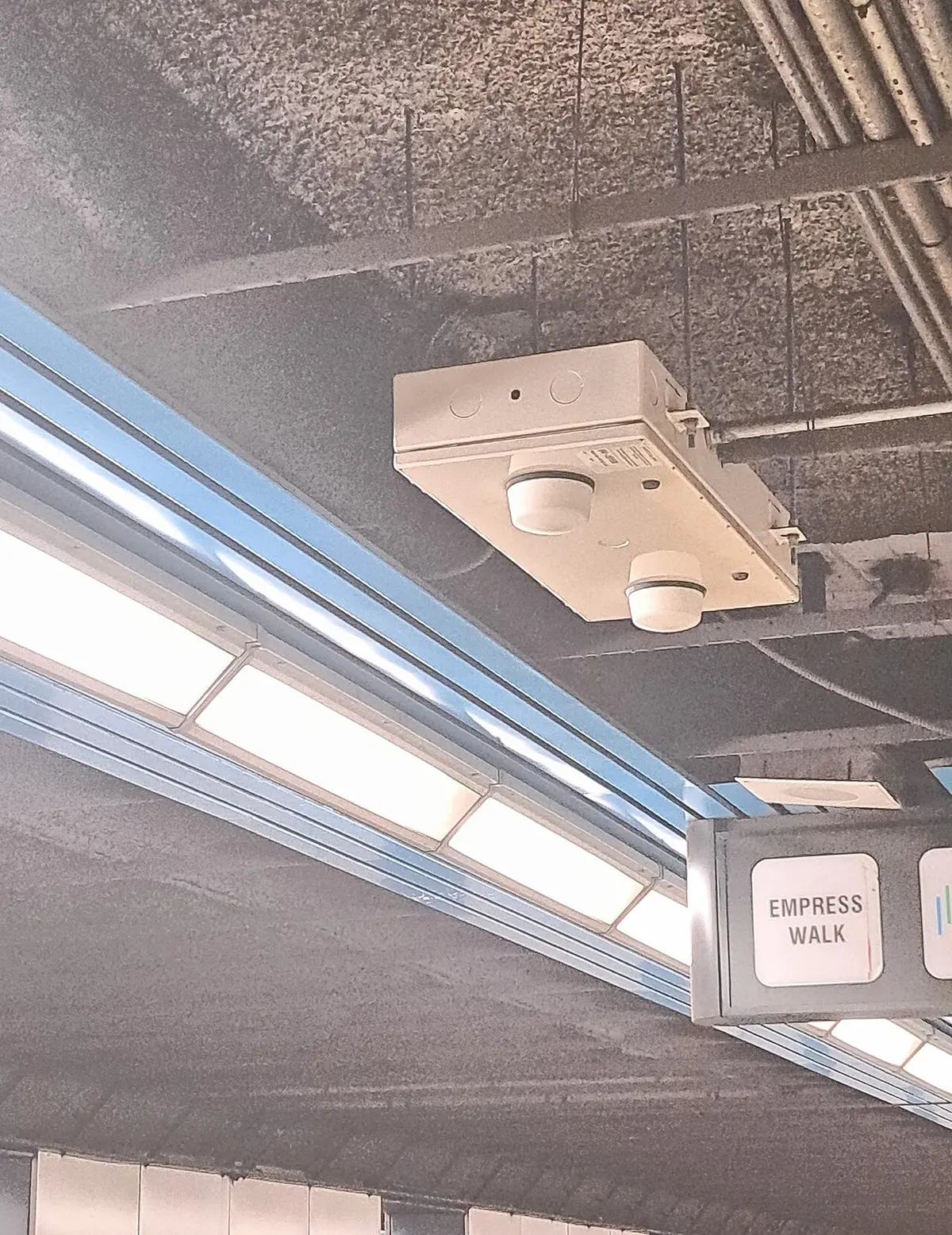
Choose RV internet hardware by deciding how many connection sources you need first (cellular, campground WiFi, satellite) and then buying one router that can manage them all, with external antenna ports, a 12 V power input and automatic failover. A single-SIM hotspot is enough for occasional use. Full-time and remote workers do better with a dual-SIM or multi-WAN router, a pair of MIMO cellular antennas on the roof, and a second source such as campground WiFi or satellite as a backup. Power draw, VPN support and a simple interface matter as much as the headline speed.
RV internet is a stack of small decisions that interact: the modem, the antenna, the router, the data plan and the power supply. A mistake in any layer limits the rest, and the cheapest fix is often at the antenna. Below is how each layer works, how to size and combine them, what to expect for speed and data use, and a decision table by travel style.
The layers of an RV internet setup
| Layer | What it does | Typical choices |
|---|---|---|
| Source | Provides the internet | Cellular (LTE or 5G), campground WiFi, satellite, tethering |
| Antenna | Captures the signal | Built-in, external omni, MIMO, directional |
| Modem or hotspot | Converts the signal to data | Hotspot, router with built-in modem, separate modem |
| Router | Shares the connection, manages sources | Travel router, cellular router, multi-WAN router |
| Network | Connects your devices | WiFi, Ethernet, mesh |
| Power | Runs it all | 12 V DC, USB-C, AC |
Thinking in layers helps you diagnose problems. If speeds are poor, check the signal at the antenna first, then the modem, then the router. If the connection drops, check the power and the failover settings.
Pick your sources
Cellular. The most common primary source for RVers. Cellular coverage varies by carrier and location, so many travelers carry more than one carrier. Data plans range from limited to high-cap, and some carriers throttle after a threshold. Check the terms for hotspot data use specifically, since it may be limited separately from phone data.
Campground WiFi. Free or included, but slow, shared and unreliable at many parks. It works as a bonus and a backup. Our guide on how a campground WiFi extender works shows how to get a usable signal from it.
Satellite. Low-earth-orbit satellite services offer broadband in places without cell coverage, with a dish that needs a clear view of the sky and a monthly fee. Power draw is meaningful, often 50 to 100 W, so plan the battery or generator. If you use satellite, choose a router that can fail over between satellite and cellular, such as those in the best RV routers for Starlink failover and the best Starlink-compatible routers for RV.
Phone tethering. A phone can share its connection as a hotspot. It is convenient and free of extra hardware, but it drains the phone battery, may overheat and is usually not suited to heavy use.
A resilient setup uses at least two sources, because each fails in a different way.
Router types and what they do
Dedicated hotspot (MiFi). A pocket device with a SIM and a battery. Easy, portable and good for light use. It has limited range, few connections, no external antenna in many models and short battery life.
Travel router. A small router that connects to WiFi (campground or a phone hotspot) and creates your own network. It is inexpensive and useful for securing devices behind a firewall. Most do not include a modem.
Cellular router (modem plus router). A router with a built-in cellular modem and one or two SIM slots, external antenna ports and Ethernet. It provides stronger reception than a hotspot, supports many devices and can fail over to another source. It is the core of a full-time setup. See the best WiFi routers for RV for a general list.
Multi-WAN router. A router with multiple internet inputs, such as cellular, WiFi-as-WAN, Ethernet and satellite, with failover or load balancing. It lets you combine sources and switch automatically.
Carrier bonding router. Combines connections from multiple carriers or sources into one stream, which can improve reliability and, in some services, speed. It usually requires a subscription to a bonding service. See the best RV routers with carrier bonding for the idea.
Features that matter
- Dual SIM. Two SIM slots let you use two carriers and switch when one has no coverage. The best dual-SIM routers for RV show what that looks like.
- External antenna ports. Look for SMA or similar connectors for cellular and WiFi antennas, since a roof antenna improves reception.
- MIMO support. Multiple-input, multiple-output antennas improve speed and reliability. See the best RV routers with MIMO antennas.
- VPN support. Lets you protect traffic and use work networks. See the best RV routers with VPN.
- Failover and load balancing. Automatic switching when a source drops.
- 12 V power input. A DC input avoids an inverter, which saves energy.
- Low power draw. A router that uses 5 to 10 W is easier on a battery than one that uses 25 W. The best low-power routers for RV address that.
- Ethernet ports and PoE. Useful for a TV, a satellite dish or a desk setup.
- Simple interface and app. You will use it on the road with limited patience.
- WiFi standard. WiFi 6 offers better efficiency with many devices. Range inside an RV is rarely a problem.
- Firmware updates and support. A router with active updates is safer.
Antennas: the cheapest upgrade
The antenna often makes more difference than the router. An external antenna on the roof, away from the metal skin and at height, captures a stronger signal than an antenna inside the RV.
| Antenna type | Gain and pattern | Best for |
|---|---|---|
| Built-in router antennas | Low | Strong-signal areas |
| Omnidirectional external | Moderate, 360 degrees | Moving RVs, general use |
| MIMO (2x2 or 4x4) | Moderate, multiple elements | Speed and reliability in most areas |
| Directional (Yagi or panel) | High, narrow beam | Long stays in weak-signal areas |
| Roof-mounted dome | Weather-sealed, MIMO | Permanent installations |
Mounting matters: place the antenna as high as you can, with a clear view in all directions, keep cables short, and use low-loss coax to avoid wasting gain. Keep cellular antennas separated from each other as the manual describes, and from other transmitters. In weak-signal areas, adding a cell signal booster can help phones, as described in how cell signal boosters work in an RV, but a signal booster and a router with external antennas address different problems. A booster improves phone coverage inside the RV, and a router with a good antenna feeds your laptop and TV.
Data plans and how much you need
Data use depends on what you do.
| Activity | Data per hour (approx.) |
|---|---|
| Email and web browsing | 20 to 100 MB |
| Music streaming | 40 to 150 MB |
| Video calls | 0.5 to 1.5 GB |
| HD video streaming | 1.5 to 3 GB |
| 4K video streaming | 7 to 10 GB |
| Large file downloads and updates | Varies, often several GB |
| Online gaming | 50 to 150 MB |
A remote worker with video calls and file uploads can use 50 to 200 GB a month, and a family that streams in the evening can use several hundred GB. Check whether a plan limits hotspot data, throttles after a threshold or deprioritizes during congestion. Many full-time RVers carry plans with generous data from two carriers. Track usage in the router's dashboard, and set alerts.
Speed expectations
Real-world speeds vary with signal, network congestion and location. A decent cellular signal may deliver 20 to 100 Mbps or more, while a weak signal in a busy area may deliver 1 to 5 Mbps. Campground WiFi often falls in the 1 to 20 Mbps range, and satellite in the 50 to 200 Mbps range in good conditions. Latency, the delay in the connection, matters for video calls and gaming. Cellular and WiFi are typically low latency, and satellite is moderate. If your work depends on stable video calls, test your connection at the site before committing to a long stay, and have a second source.
Power budget
RV internet gear runs on 12 V or USB, and the power draw adds up.
| Device | Typical power draw |
|---|---|
| Hotspot | 2 to 5 W |
| Travel router | 3 to 8 W |
| Cellular router | 8 to 20 W |
| Multi-WAN router with modem | 10 to 25 W |
| Satellite dish and router | 40 to 100 W |
| Signal booster | 5 to 15 W |
A 10 W router running 24 hours a day uses 240 Wh, which is a meaningful share of a small battery. If you boondock, choose a low-power router, switch off sources you do not need and consider a dedicated battery or a DC-DC converter. The arithmetic of watts times hours is the same as for any other load.
Security and privacy
A router is a gateway, and it deserves some care.
- Change the default admin password and the WiFi password.
- Use WPA2 or WPA3 encryption.
- Update firmware regularly.
- Disable remote administration unless you need it.
- Use a VPN for sensitive work, and consider a router that runs it for all devices.
- Separate guest and personal networks if the router allows it.
- Be careful with public WiFi at campgrounds, and use your router as a barrier between them and your devices.
Setup tips
- Mount the antennas first, and run cables neatly with weatherproof pass-throughs.
- Connect the router to 12 V power with a fused connection.
- Insert SIM cards and set the APN and carrier settings.
- Check signal strength at the router, and adjust antenna position for the best readings.
- Set up failover rules, so that the router moves to the next source automatically.
- Configure your WiFi network with a name and password you can remember.
- Test in several spots and at different times of day.
- Label cables and keep a note of settings, so that a reset does not leave you stranded.
For navigation and trip planning that does not depend on a signal, see RV GPS versus phone navigation apps.
A worked example: a remote-working couple in a travel trailer
Two people work from a 30 foot trailer for six months a year. One works on video calls most of the day, and the other uploads large files and uses cloud tools. They also stream in the evening, and they move every two to three weeks. Their monthly data use is around 250 GB, split roughly evenly between work and entertainment.
Source plan. They carry two cellular plans from different carriers, because coverage varies by region, and use campground WiFi as a bonus. They also have a satellite service on a pause plan for trips with no coverage, which they activate only for those weeks.
Router and antenna. A dual-SIM cellular router with two SMA ports for a roof-mounted MIMO antenna handles the daily load. The router draws about 12 W, which over a day is 288 Wh, and the couple budgets that against their solar and battery. They mount the antenna on the roof near the front, away from the air conditioner and the vent fan, with a short run of low-loss cable through a sealed entry. A second antenna sits in a small panel on the side for backup.
Failover and rules. The router uses cellular carrier A as the primary and carrier B as the secondary, and a rule moves video calls to whichever has the lower latency. When the campground WiFi is strong, the router uses it for large downloads and keeps cellular for calls. If both cellular signals are weak at a site, the couple considers a cell booster for phones and moves the router antenna to a mast.
Security. All devices connect through the router, which runs a VPN for the work laptops and keeps the entertainment devices on a separate guest network. They change the admin password, update firmware on arrival at each new campground and write down the settings.
Cost and results. The setup costs more than a hotspot, but they avoid missed calls and the frustration of unreliable connections. At a site with only one bar on a phone, the roof antenna lifts the router's signal into a usable range, and video calls remain stable. In the evening, when campground WiFi is crowded, they rely on cellular, and the plan's data cap becomes the limit, which they manage by lowering streaming resolution.
The key point is not the specific gear but the structure: two sources, an external antenna, a router that can switch and enough power. A weekend camper needs none of this, and the layered approach scales down to a single hotspot and a phone.
Troubleshooting common problems
| Symptom | Likely cause | What to try |
|---|---|---|
| Slow speeds with strong signal | Congested tower or throttled plan | Try another carrier or time of day, check plan limits |
| Frequent drops | Weak signal or loose antenna cable | Reposition or raise the antenna, check connectors |
| Router reboots randomly | Unstable power or low voltage | Check the 12 V supply, fuse and wire gauge |
| One device cannot connect | WiFi band or security setting | Check 2.4 and 5 GHz settings, update the device |
| VPN slows everything | Overloaded server or weak link | Try another server or protocol |
| Failover does not switch | Misconfigured rules | Review the WAN priority and health checks |
| Router hot to the touch | Poor ventilation | Move it to a ventilated spot |
| Works at home but not on the road | Carrier settings or band support | Check the APN and the supported bands for each carrier |
When a problem appears, work from the outside in: check the antenna and cable, the signal strength, the modem status, the router settings and finally the individual device. Keep a short log of what you changed and when, because intermittent problems are easy to chase in circles. Keep a spare SIM adapter, a spare power cable and a printed copy of the router settings with you, since these small items are what you cannot find in a campground store.
Planning around trips and campgrounds
Before each move, check coverage maps from your carriers for the area, and look at recent reviews of the campground for internet comments. Remember that coverage maps show potential, not guarantees, and that a site in a valley or under trees can have a weak signal even in a covered town. Many RVers use apps that crowdsource signal strength at campsites. If you have flexibility, choose a site with a clear view of the sky and the nearest tower direction. If you rely on a satellite dish, look for a site with open sky, since trees block the signal. When the plan changes, a flexible setup with several sources takes the stress out of a poor connection.
Decision guide by travel style
| Travel style | Suggested setup |
|---|---|
| Weekend camper, light use | Phone hotspot or a pocket hotspot |
| Seasonal traveler, some work | Cellular router with external antenna, one carrier |
| Full-time remote worker | Dual-SIM cellular router, MIMO roof antenna, campground WiFi as a backup |
| Boondocker | Low-power router, a booster if needed, satellite for no-coverage areas |
| Family that streams | High-data plan, a router with good WiFi range, wired TV connection |
| Digital nomad with satellite | Multi-WAN router with failover between satellite and cellular |
Common mistakes to avoid
- Buying a router before checking coverage. The signal is the foundation.
- Skipping the external antenna. It is the cheapest big improvement.
- Using a single source. Every source fails sometimes.
- Ignoring power draw. A 20 W router drains a small battery.
- Forgetting about data caps. Throttling ruins video calls.
- Leaving default passwords. Security matters.
- Mounting antennas too low or too close together. Performance drops.
- Setting up in a hurry. Test before relying on it for work.
Frequently asked questions
Do I need a router, or is a phone hotspot enough?
For occasional use and a few devices, a phone hotspot is enough. For regular work, many devices or poor coverage, a router with external antennas and a dedicated modem is more reliable and keeps your phone free.
What is the difference between a cell booster and an RV router?
A cell signal booster amplifies cellular signal for phones and hotspots inside the RV. A router with a cellular modem and external antennas makes a network for your devices. They solve different problems and can be used together.
How do I choose between a dual-SIM router and a single-SIM router?
A dual-SIM router lets you use two carriers and switch when one has no coverage, which is valuable for travelers. A single SIM is simpler and cheaper, and it works if one carrier covers your routes.
Is Starlink worth it for an RV?
It can be if you spend time outside cell coverage and can afford the cost and power draw. It needs a clear view of the sky and a mounting plan. Many RVers use it as a backup alongside cellular, with a router that fails over automatically.
How much data do I need?
A light user needs 20 to 50 GB a month, a remote worker 50 to 200 GB, and a family that streams may need several hundred GB. Check hotspot limits and throttling thresholds.
Where should I mount the antenna?
As high as you can on the roof, with a clear view and away from metal that blocks it. Keep cables short and use low-loss coax. Place cellular antennas as far apart as the manual recommends.
Sources & further reading
- RV Mobile Internet: weBoost RV 4G overview
- weBoost: Regulation myths about cell signal boosters
- FCC: Public notice on consumer signal boosters (DA 13-1143)
Image credits
- "Wi-fi router in North York Centre station" by Al12si, CC BY-SA 4.0, via Wikimedia Commons.
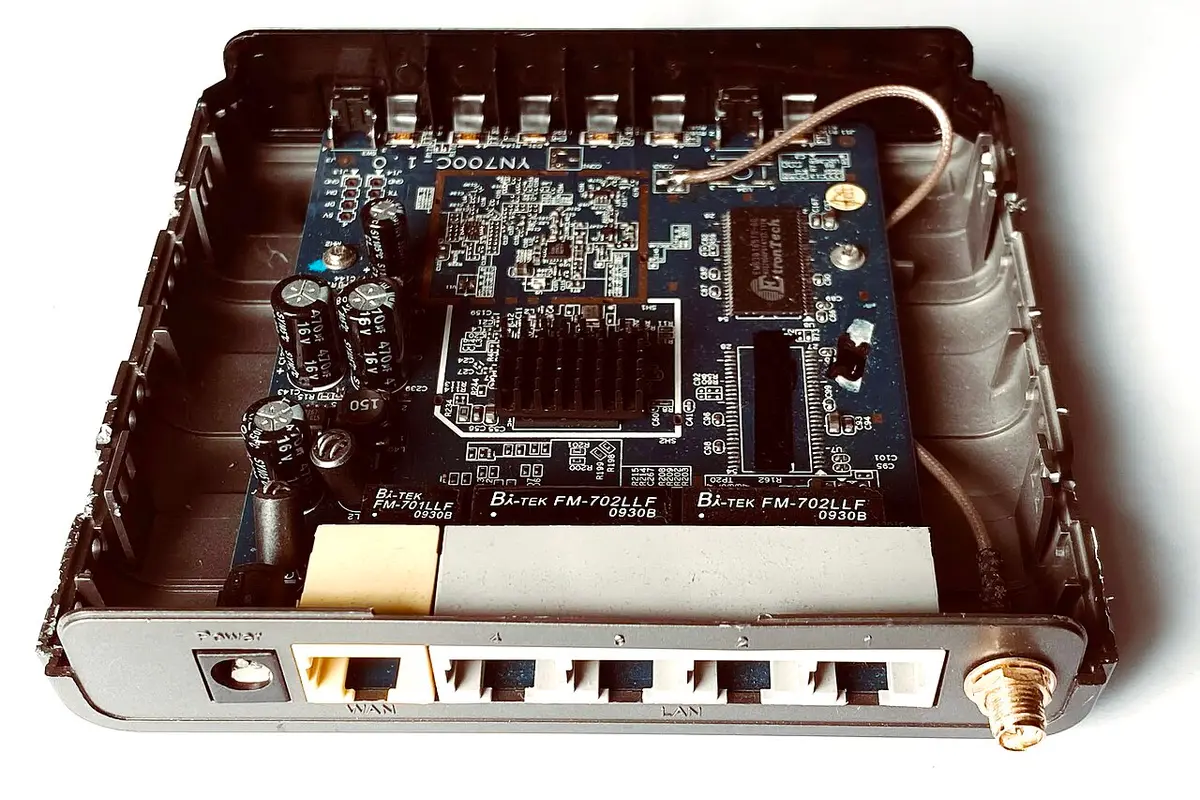
- "Wireless router, internal components (LevelOne WBR-6002)" by Mk2010, CC BY-SA 4.0, via Wikimedia Commons.
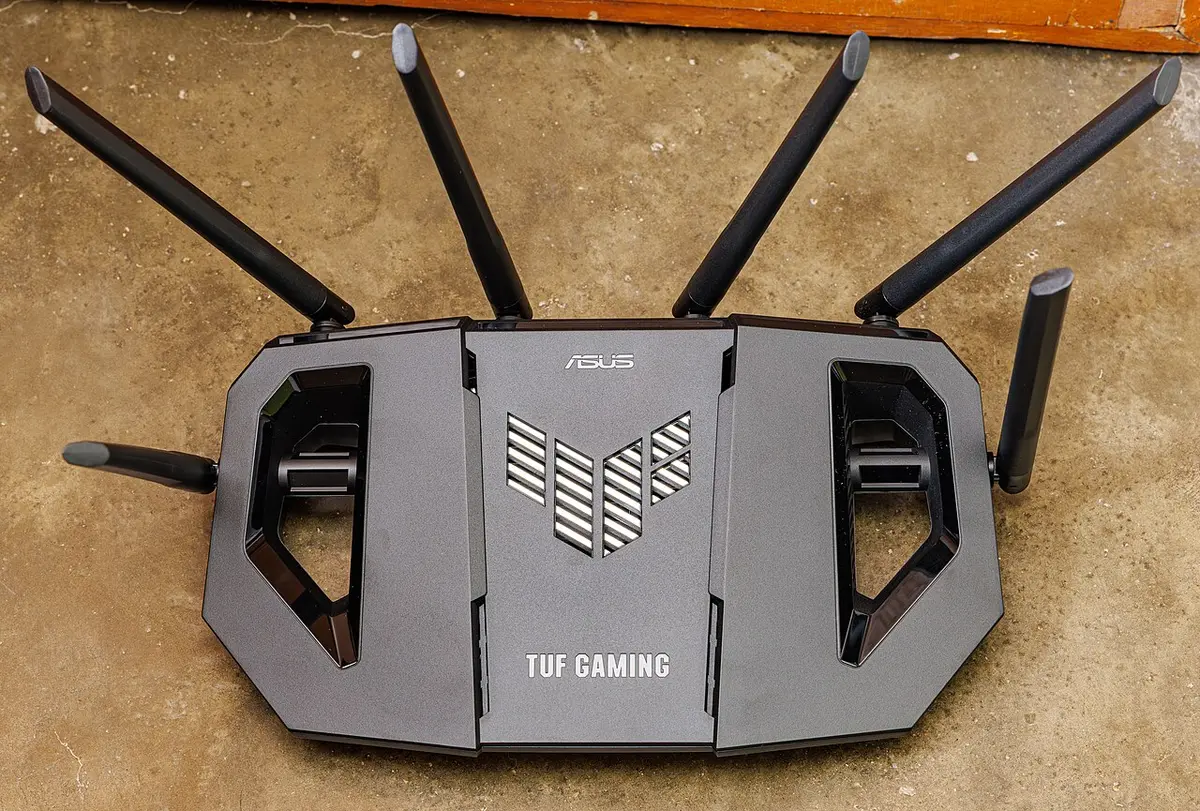
- "ASUS Wi-Fi ROUTER TUF 6500" by Dinkun Chen, CC BY-SA 4.0, via Wikimedia Commons.


Ready to buy?
Compare the gear: Camping & Travel
2 Best RV Router For Starlink Failover in 2026
Winegard Basestation routers that fail over between Starlink, cellular and campground Wi-Fi, compared for RVers who cannot afford a dropped connection.
2 Best Low Power Router For RV in 2026
Two ultra-low-power 5G RedCap routers for RV and solar setups, compared on idle power draw, rugged rating and Ethernet port options.
2 Best RV Router With Carrier Bonding in 2026
Two dual-SIM RV routers with multi-WAN failover and load balancing, compared for combining cellular, Wi-Fi and Ethernet links on the road.
4 Best RV Router With Vpn in 2026
Four VPN-ready travel and cellular routers for RV life, compared on OpenVPN and WireGuard support, Wi-Fi speed and tethering options.
1 Best RV Router With Mimo Antenna in 2026
The Yeacomm NR610 style outdoor 5G router with 4x4 MIMO, IP67 housing and dual SIM suits RV internet, explained for travelers.
4 Best Dual Sim Router For RV in 2026
Best dual-SIM routers for RVs, three dual-SIM models and one single-SIM failover router compared by bands, WAN options and power.
4 Best Starlink Compatible Router For RV in 2026
Best Starlink-compatible routers and hubs for RVs, two Router Mini-style routers, a hub and a travel router compared by ports and fit.
5 Best Wifi Router For RV in 2026
Best Wi-Fi routers for RVs, covering cellular hotspot routers and portable travel routers compared by WAN options, bands and power source.
Keep reading